

| Name | APEX |
| Engine | Unity 5 |
| Platform | PC |
| Time | 7 weeks |
My contributions
A runner game were you traverse a pre-set obstacle course by drag and dropping the platforms and walls you will want to use and then run the course in first person.
I was the sole scripter and programmer for the entire project and thus crafted all systems, gameplay features, player controls, camera controls, UI, etc. As the lead in all things tech I got to create tools like a level editor and a “piece-editor” (for the drag and drop phase).
Gameplay Scripting
Drag-and-drop functionality
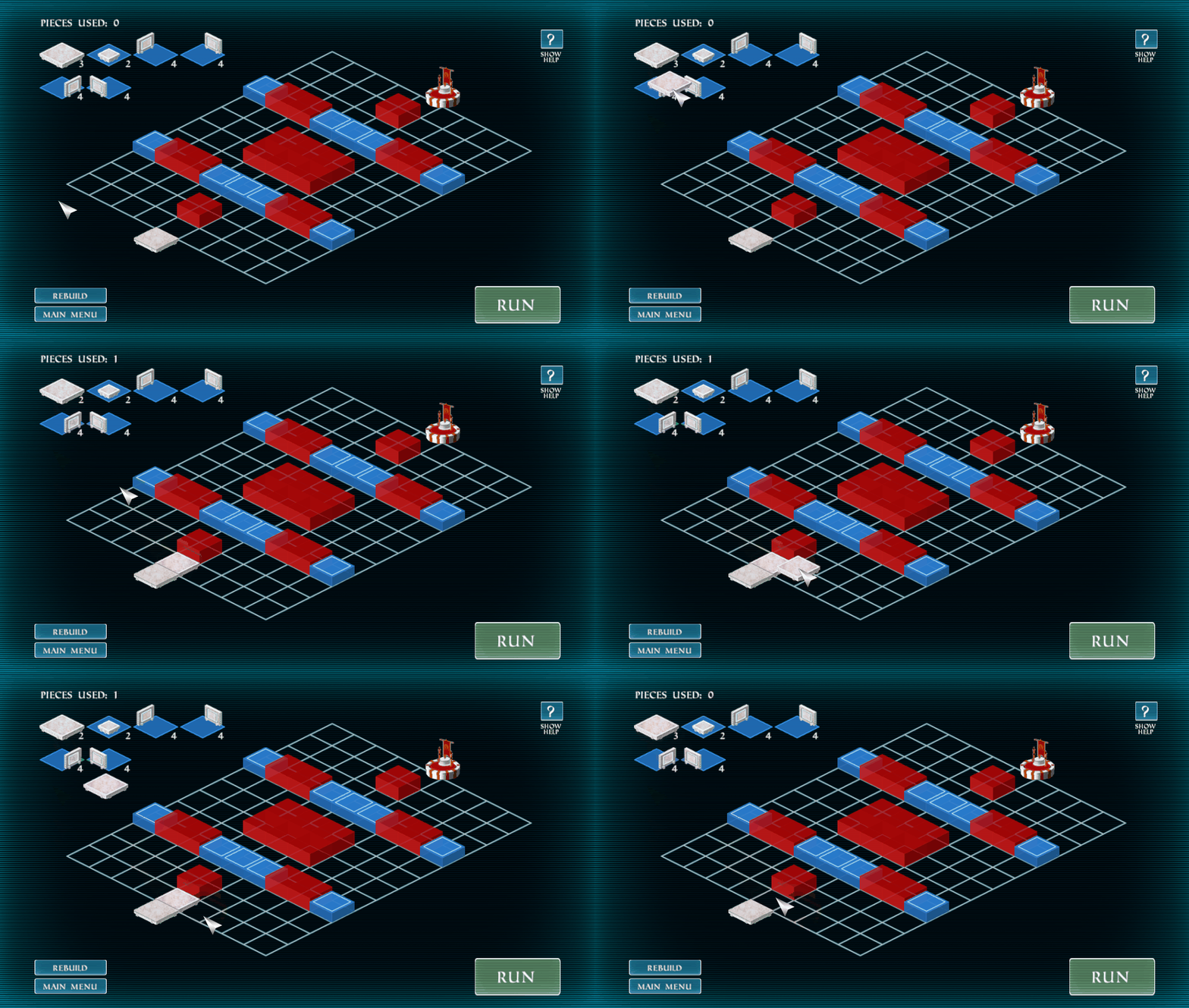
A heavy part of the game is the ability to create your own path by dragging and dropping preset pieces onto the grid representing the stage.
This was done by adding my own implementation of “begin drag handler”, “drag handler”, “end drag handler” and “drop handler”.
It demanded two scripts. “DragHandler” on the items being dragged and “DragSlot” on the object that represented slots were an item could be dropped (every space in the grid).
Draghandler:
Dragslot:
The core of the game is a planning phase where players build their own route by dragging pieces onto a grid. I designed it as direct manipulation: every piece dropped on the 2D grid instantly appears in the 3D level, so players always see the consequence of their choice before they commit.
Once the player hit the “RUN” button all newly created pieces were teleported 200m below the stage and were then animated in to their positions during a very brief period of time (with individual weighted random speeds). This animation didn’t repeat unless the player changed the grid layout (to not bore players who re-ran a level for a better score).
Feedback Without Prompts
Communicating Wall jumps
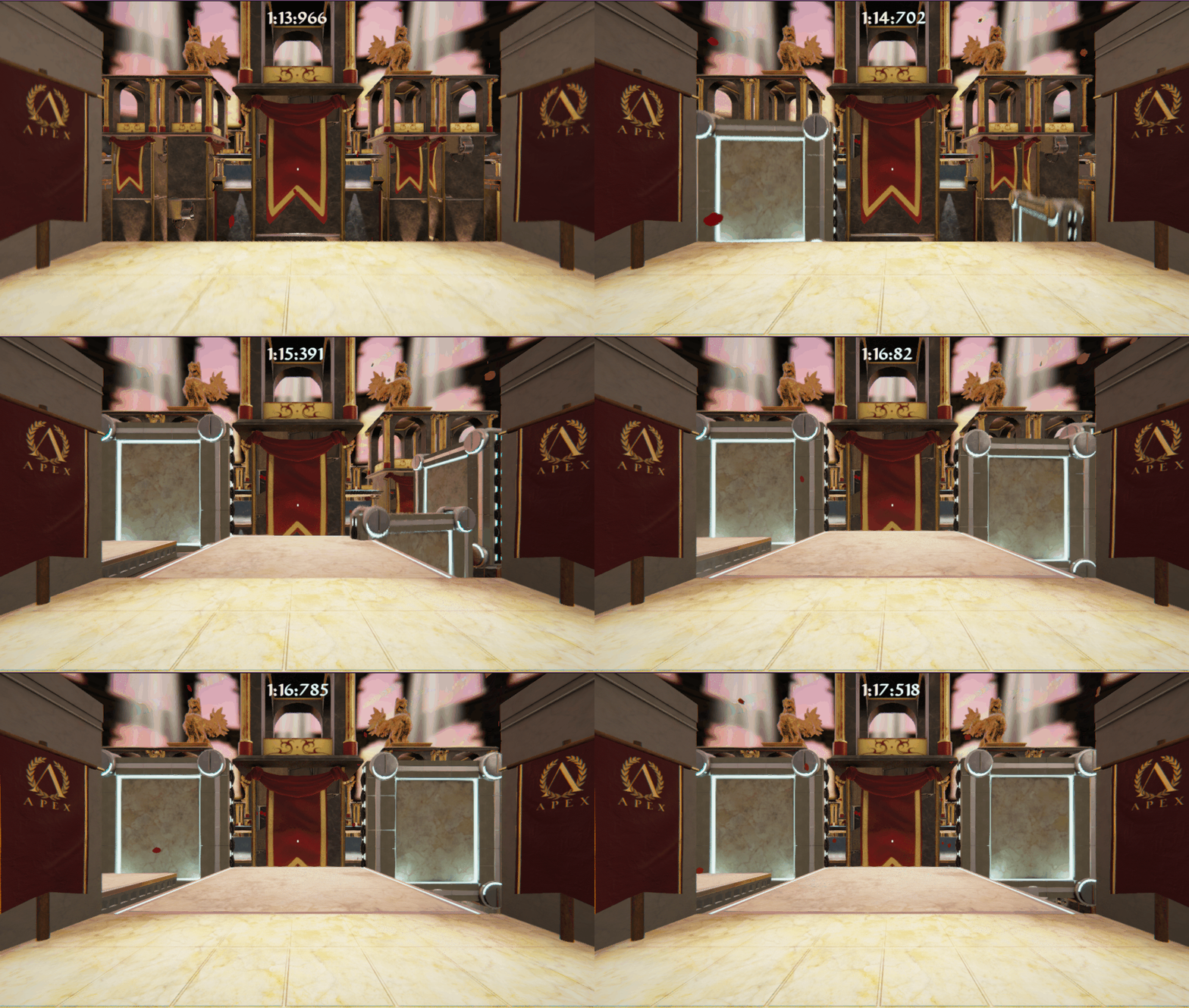
An important part of the controls was to make sure to telegraph to the player what was going on at every given moment. Are you touching a wall while in midair? Can you wall jump right now?
I chose to relay the message through obvious yet natural hints on screen, rather than on-the-nose prompts. There is sound that is triggered when the player “attached” to a wall. The camera tilted towards the wall and movement was restricted away from the wall for a short period of time (the walls were “sticky”).
Sound, camera tilt and a short “sticky” movement window all told the player the same thing at once. That redundancy meant the state was readable even when the player wasn’t looking for it.
This was accomplished by using a combination simple tricks in the code. I also created a simple function to compare vectors with an adjustable margin of error so real time vectors could be compared without demanding the exactness of machine epsilon.
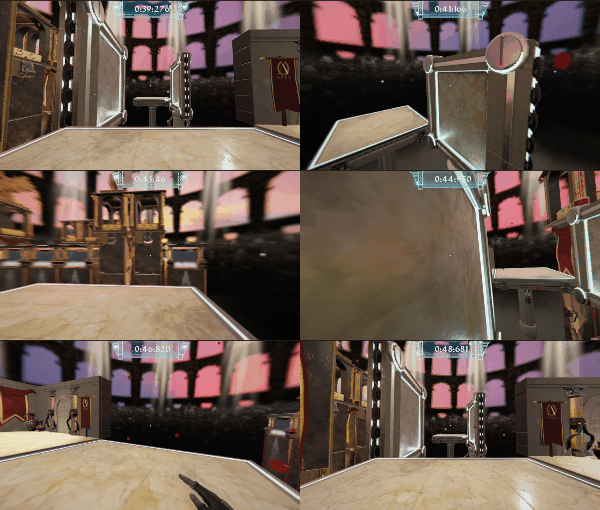
The movement script had some new information for the next frame on what rules to apply to the player:
And this is how I compared the vectors.
Level Editor
Making tools
The level designers were users too, and their time was the real constraint. My key decision was to give them the same mental model as the players: the same 2D grid, the same pieces. There was nothing new to learn, and anything they built could be played instantly.
Since I was the sole scripter on the project and all our levels were based on a grid space I tried to make the process for the level designers as easy as possible.
I created a system were all levels were designed in the same 2D-space as the players used to drag and drop their platforms for their path. Every square in the grid corresponded to a coordinate in 3D-space and all 2D-objects spawned a 3D-piece to the actual level. All obstacles and walls worked in the same way. If the level designers placed an icon of a platform with a spinning axe (one of the traps in the game) on grid-space A1, an actual 3D piece of that platform was spawned in the “A1” of the 3D-space.
The 2D view of a level were all walls and traps are shown in their respective grid space.
The 3D-space with only the static start and exit of the level and a list-view of all gridspaces and what has been placed.
And finally the end product were all the 2D-icons have spawned their corresponding pieces (in runtime).
This simple solution made level creation very fast and the level designers could build and test levels and tweak them in less than a minute – without needing any support.
The pieces used for the 2D-grid were also made in building blocks were new types of grid objects could be created without the artist or the level designers needing to write a single line of code. Just by filling out settings (2D-image, corresponding 3D-piece, offset from origin – for raised platforms – and in the case of creating a block that the players were supposed to drag: the amount of pieces to spawn) in an object called “Factories”.
Result: designers went from idea to playable level in under a minute, without needing support. Artists could add new piece types without writing any code.